


It is essential to have an antivirus installed on your Windows PC, which would help in real-time protection. AVG Antivirus is an excellent option to choose from among others.
Below you will find the easy and simple way to do that.
Step-by-Step Installation Process:
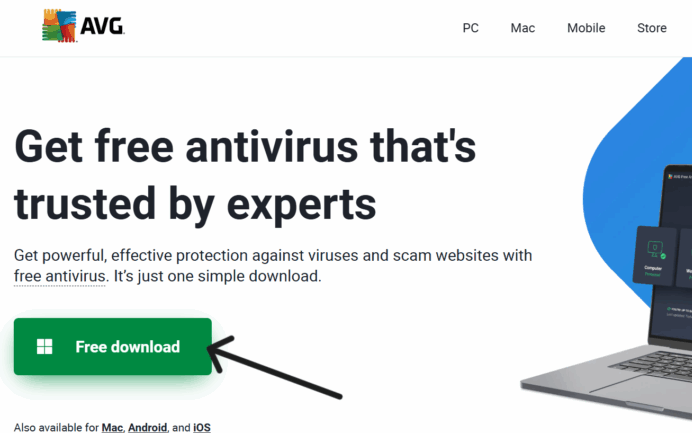
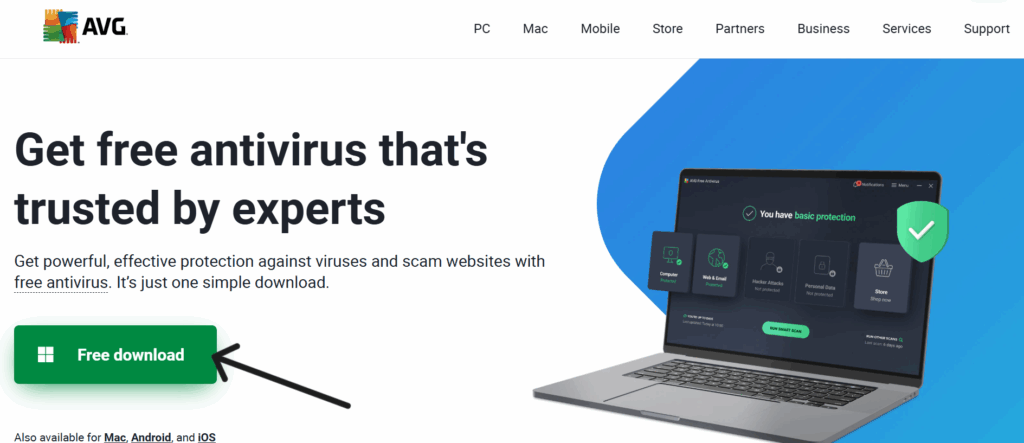
Open your browser and visit their website: www.avg.com. Click on the green button, which says “free download.” The downloading will begin automatically.
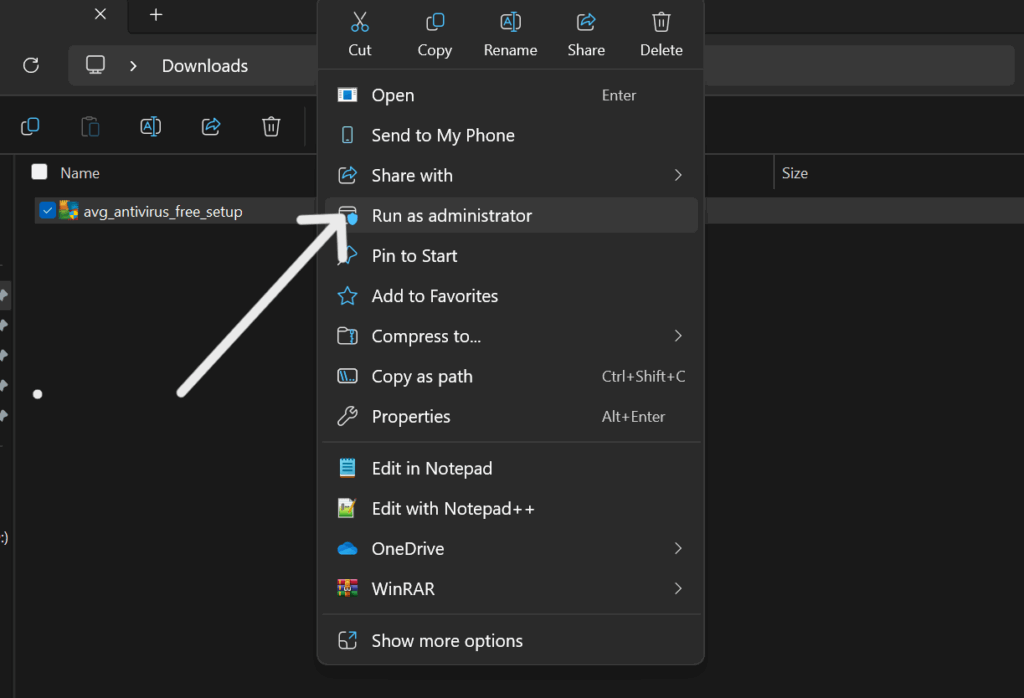
- After the download is complete, open your file explorer and click on downloads.
- Right-click on the AVG setup file and select “Run as administrator”.
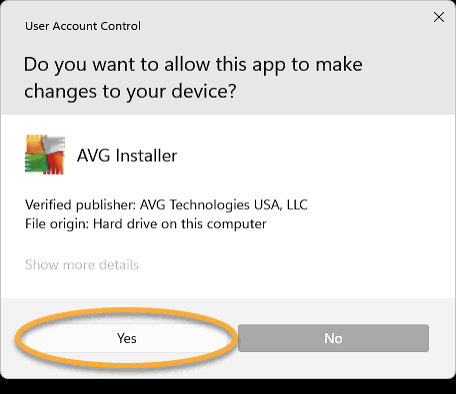
- Click “Yes” on the next screen and allow it to load.
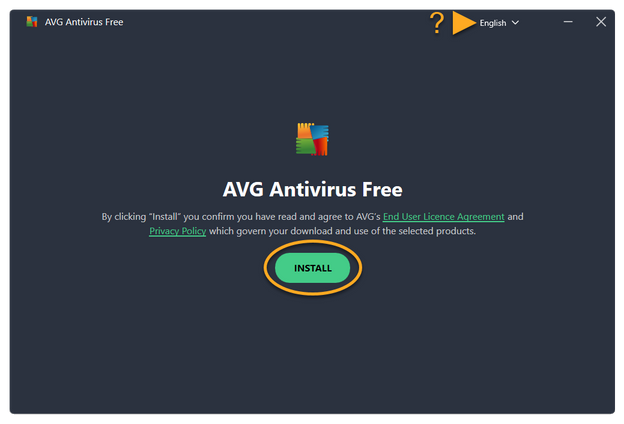
- Click “Install” on the next screen and wait for the installation to complete.
- After the installation is complete, click on “Restart Now.”
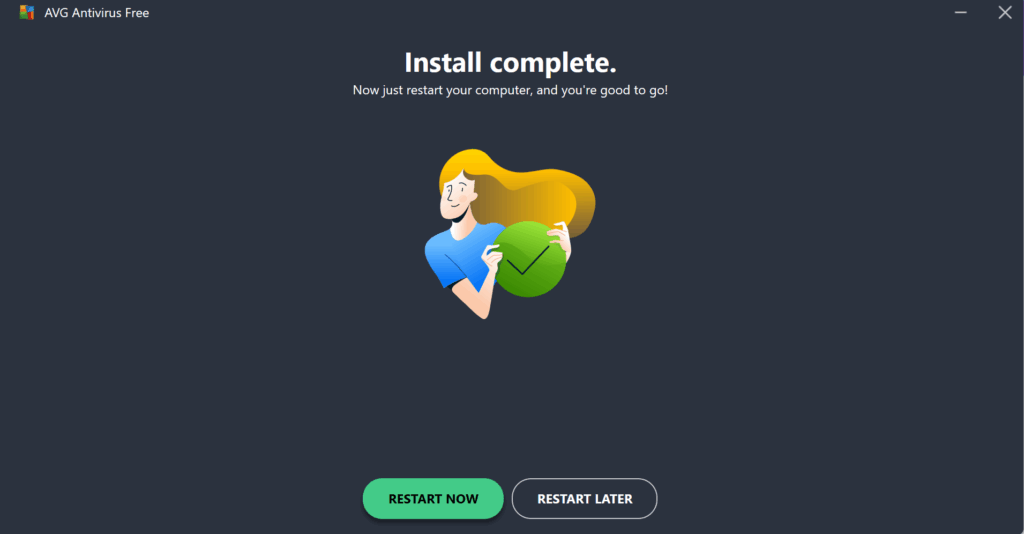
After your PC has restarted, your AVG Antivirus is ready to use.
PERFORMING YOUR FIRST SCAN.
- Open your AVG App and click on the green button “Run Smart Scan”, allow it to perform the scan till it is completed.
- Click the green button “close smart scan” after it is finished, and your PC is safe.
SAFE PRACTICES WITH AVG
When using AVG Antivirus, it is important to note some best practices that would keep the App running and keep your PC safe.
Here is a guide to Safe Practices while using AVG Antivirus
- Always update the AVG Antivirus: Open your AVG — Go to Menu — Settings — Update.
- Avoid using multiple Antivirus Apps: Using multiple Antivirus apps can slow down your PC and cause malfunctions
- Schedule Regular Scans: Setting up a regular scan would help keep you protected always.
A weekly scan is advisable. Open AVG — Click on Scan — Select Schedule Scan.
Installation of the AVG Antivirus App was successful and is ready to use.
The Antivirus App is functional now and provides your PC with real-time protection against viruses and
malware, etc.
An initial scan has been performed, and a regular scheduled scan has been set up successfully for the safety of your PC.
AVG Antivirus App would aid in the overall performance of your PC and its safety.

